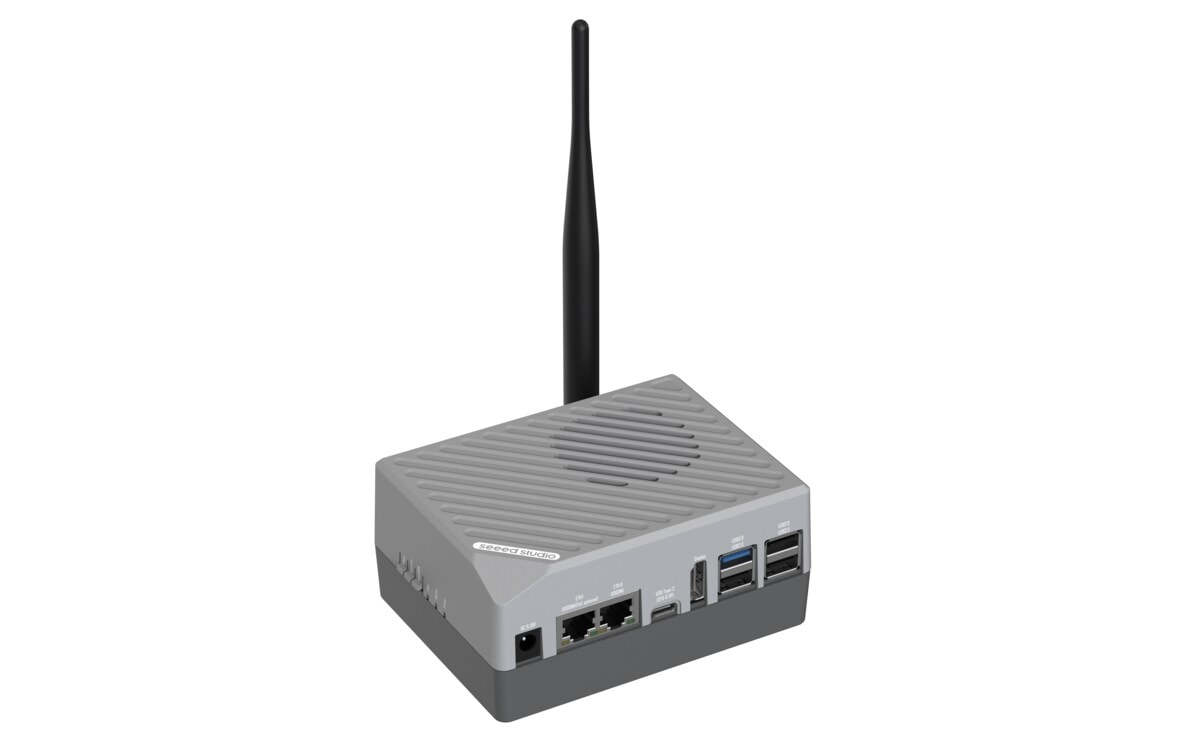
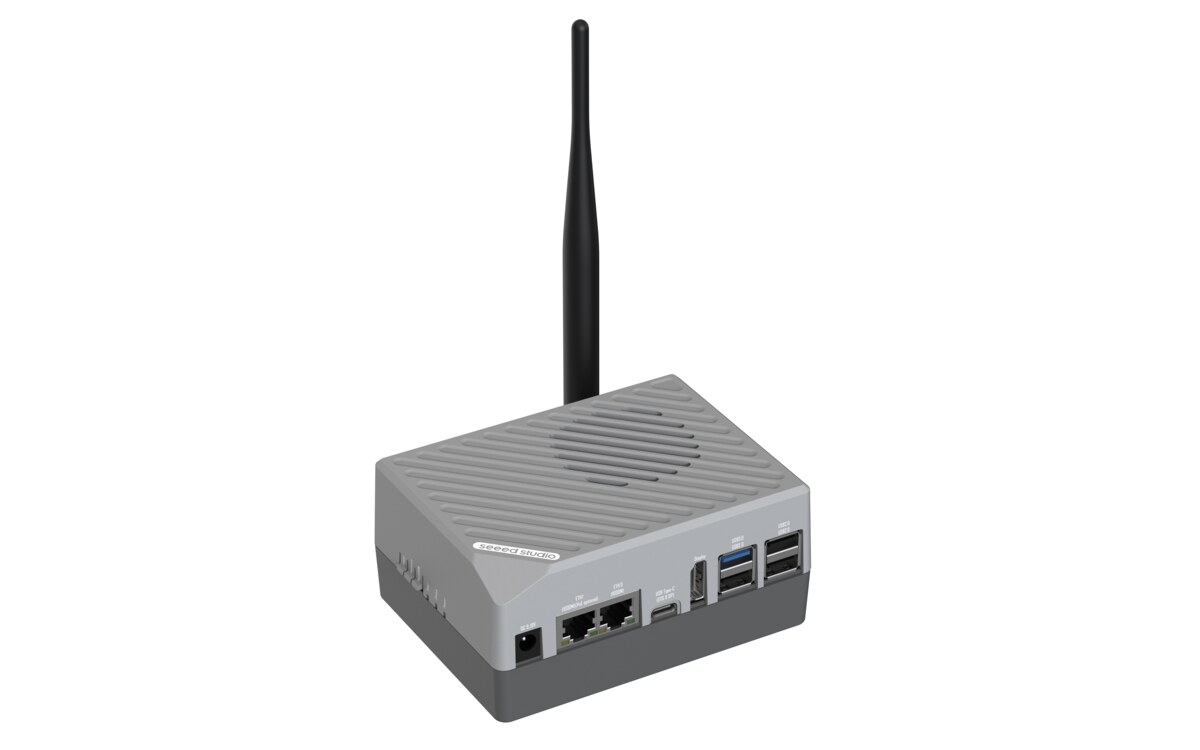
Preset: RK3576 LLM Inference {#rk3576_llm}
Deploy DeepSeek-R1 large language model to your reComputer RK3576 with one click.
| Device | Purpose |
|---|
| reComputer RK3576 | Runs DeepSeek-R1 LLM with NPU acceleration |
What you'll get:
- OpenAI-compatible chat API running locally on your device
- Choose from 5 model variants (1.5B/7B, different quantizations)
- No cloud dependency — all inference runs on-device
Requirements: RK3576 device with SSH access + Docker installed
Step 1: Deploy DeepSeek-R1 {#deploy_llm type=docker_deploy required=true config=devices/rk3576.yaml}
Deploy the LLM container to your RK3576 device.
Target: Remote Deployment {#rk3576_remote type=remote config=devices/rk3576.yaml default=true}
Deploy to your RK3576 over SSH with one click.
Wiring
- Connect RK3576 to the same network as your computer
- Select the model variant you want to run
- Fill in device IP, SSH username, and password
- Click Deploy
Deployment Complete
- The LLM container is running on your RK3576
- Chat API is available at
http://<device-ip>:8001/v1/chat/completions
- Use any OpenAI-compatible client to connect
Troubleshooting
| Issue | Solution |
|---|
| SSH connection failed | Verify IP address, username, password |
| NPU not detected | Ensure device is RK3576 with RKNPU kernel module loaded |
| Out of memory (7B model) | 7B variants require 8GB+ RAM. Try a 1.5B variant instead |
| Image pull slow | Check network connection. Image size is 1-4GB depending on variant |
Step 2: Try Chat {#verify_llm type=text_chat required=false config=devices/llm_chat.yaml}
Test the LLM by sending a message.
Troubleshooting
| Issue | Solution |
|---|
| Connection refused | Wait 30-60 seconds for model to load |
| Timeout | 7B models take longer. Wait up to 2 minutes |
| Empty response | Check container logs: docker logs ai_lab_llm |
Deployment Complete
DeepSeek-R1 is running on your RK3576 device.
Quick Start
curl http://<device-ip>:8001/v1/chat/completions \
  -H "Content-Type: application/json" \
  -d '{"model": "rkllm-model", "messages": [{"role": "user", "content": "Hello!"}], "max_tokens": 256}'
Python Example
import openai
client = openai.OpenAI(base_url="http://<device-ip>:8001/v1", api_key="dummy")
response = client.chat.completions.create(
    model="rkllm-model",
    messages=[{"role": "user", "content": "Hello!"}],
    max_tokens=256
)
print(response.choices[0].message.content)