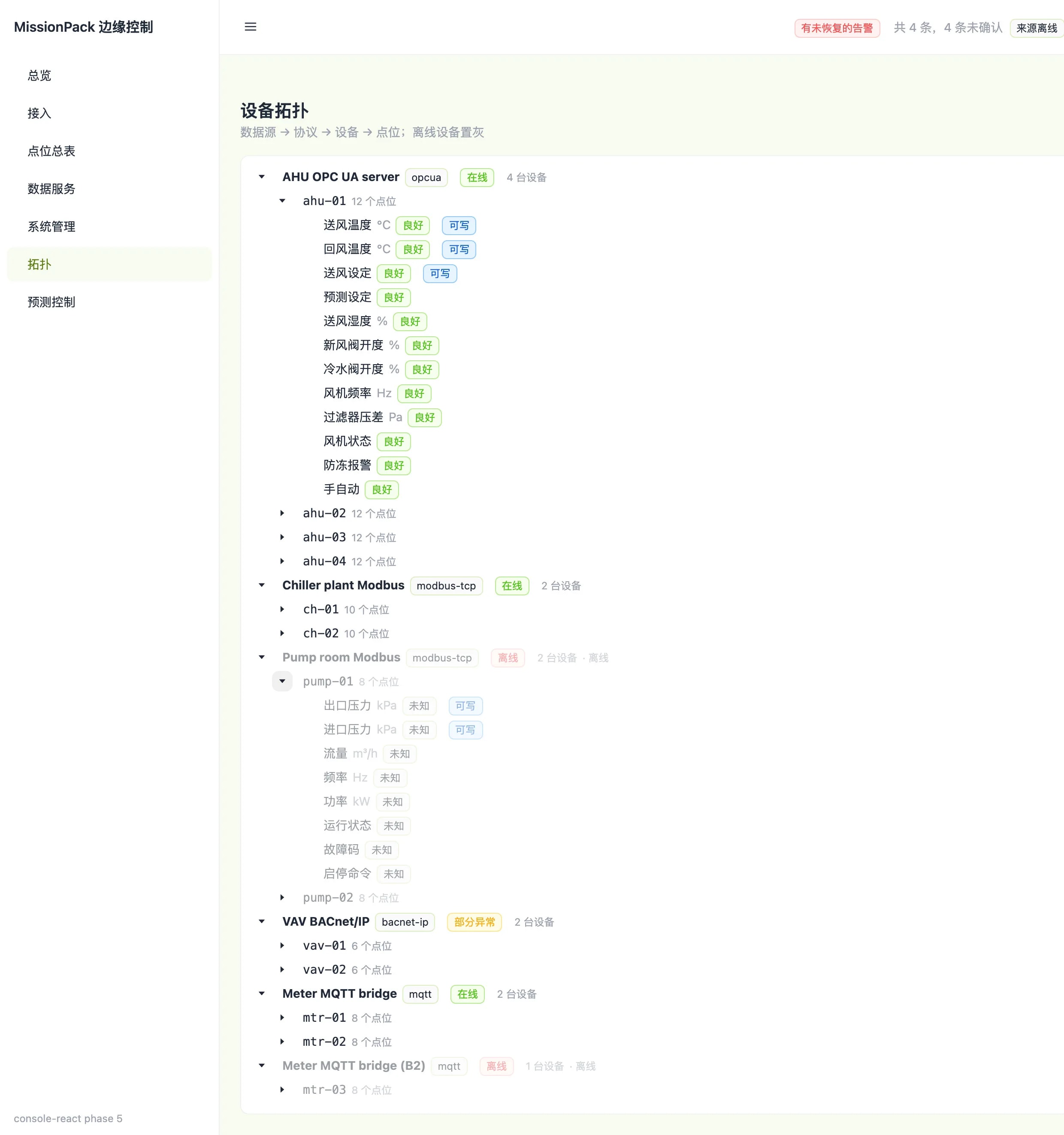
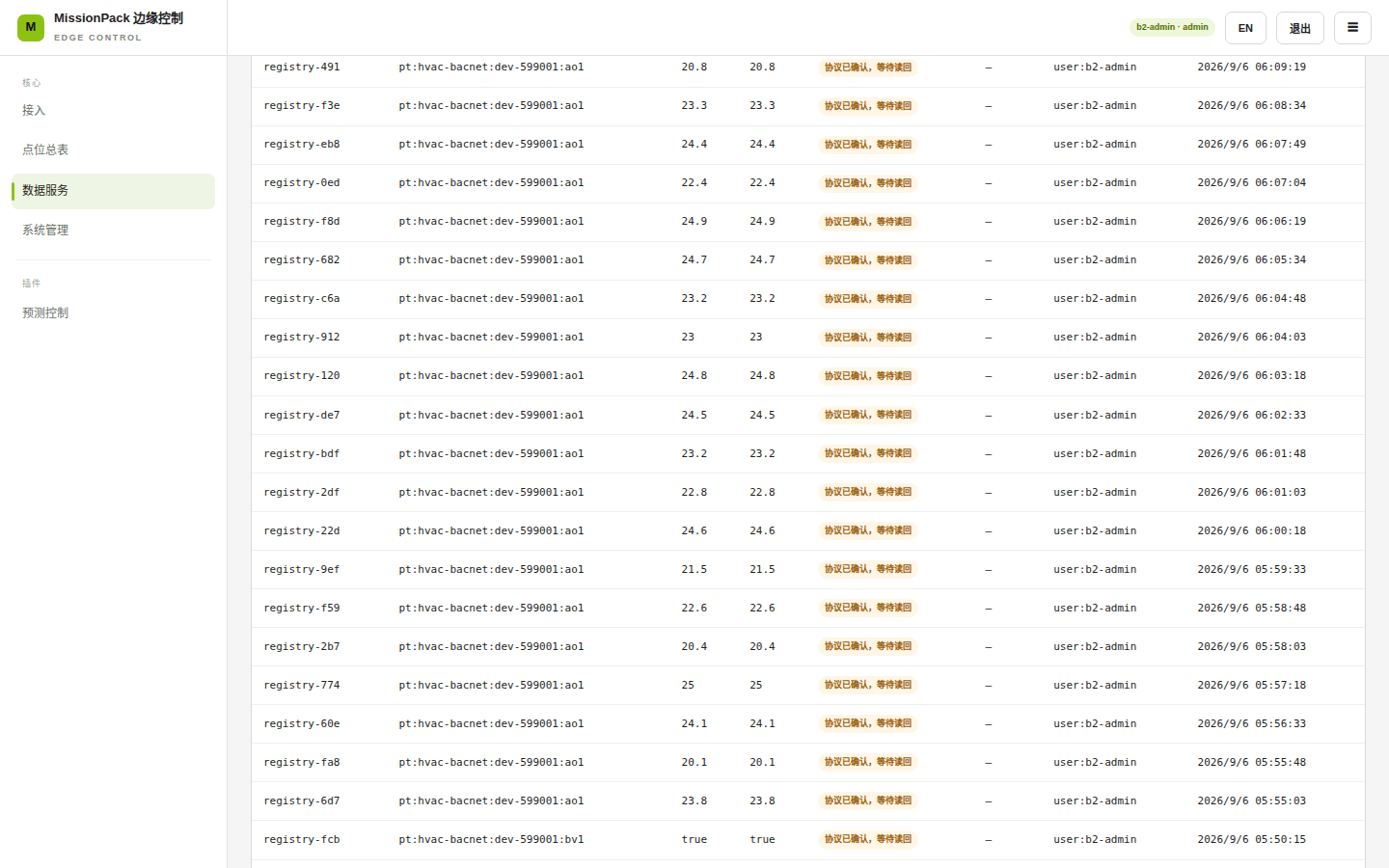
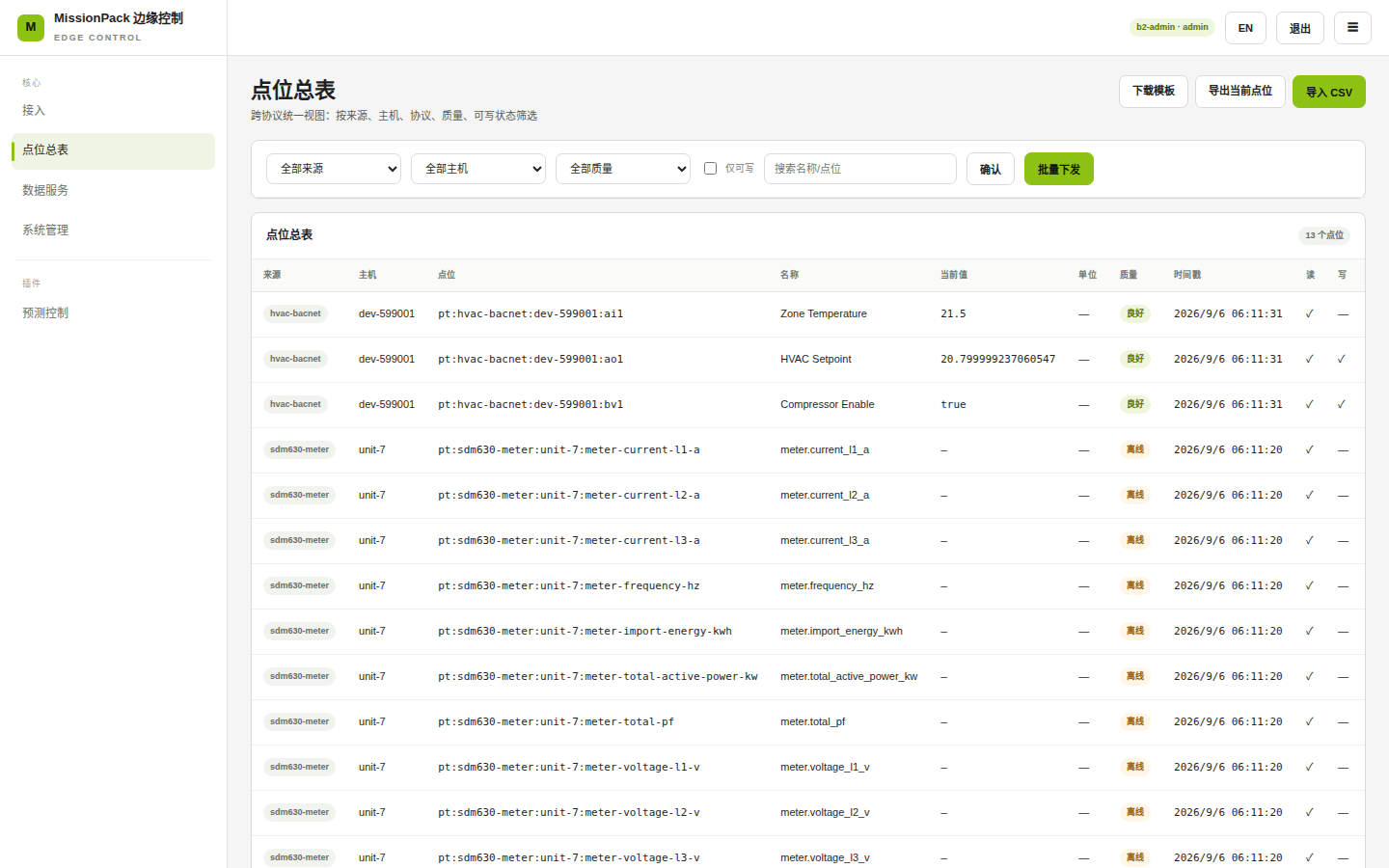
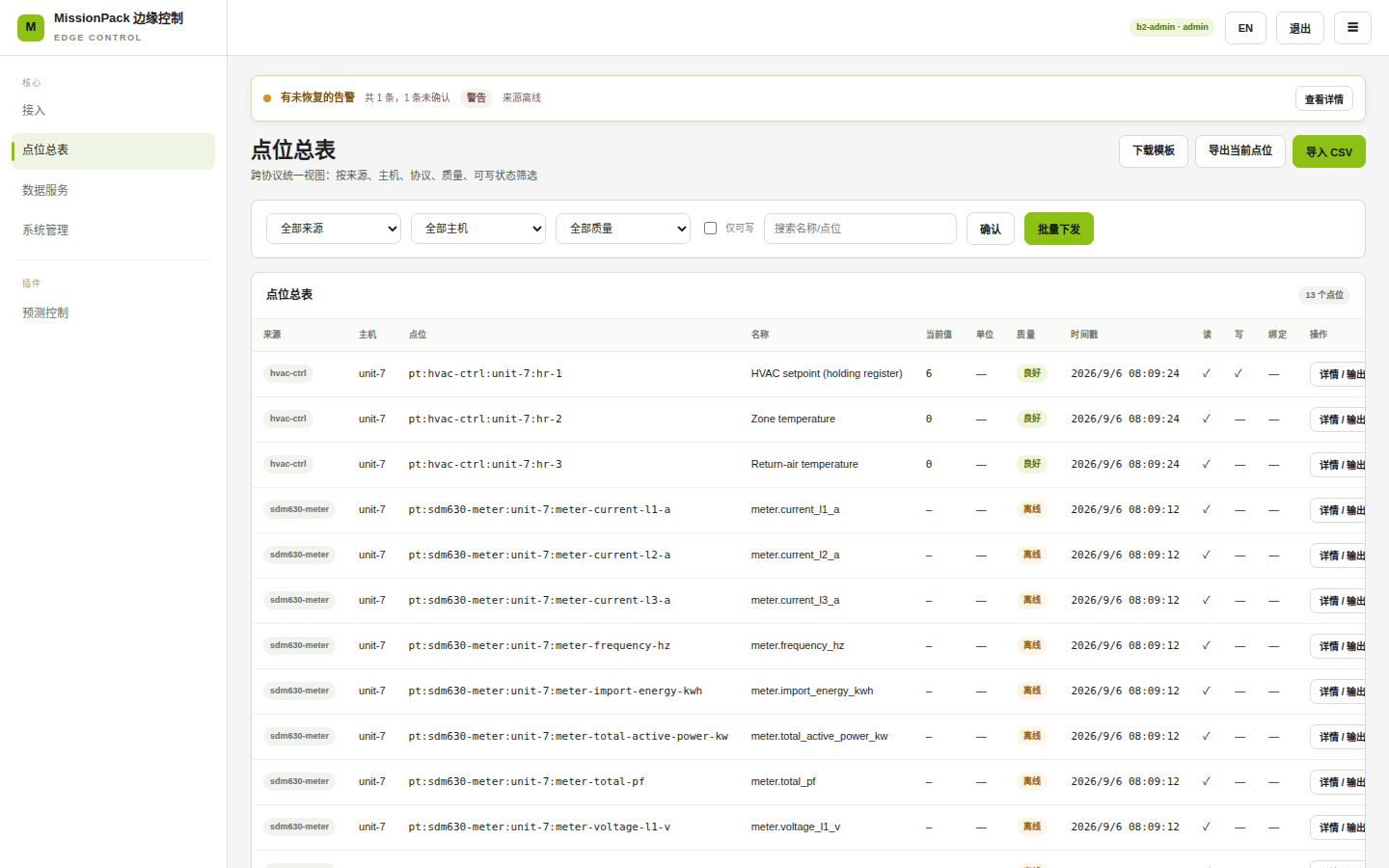
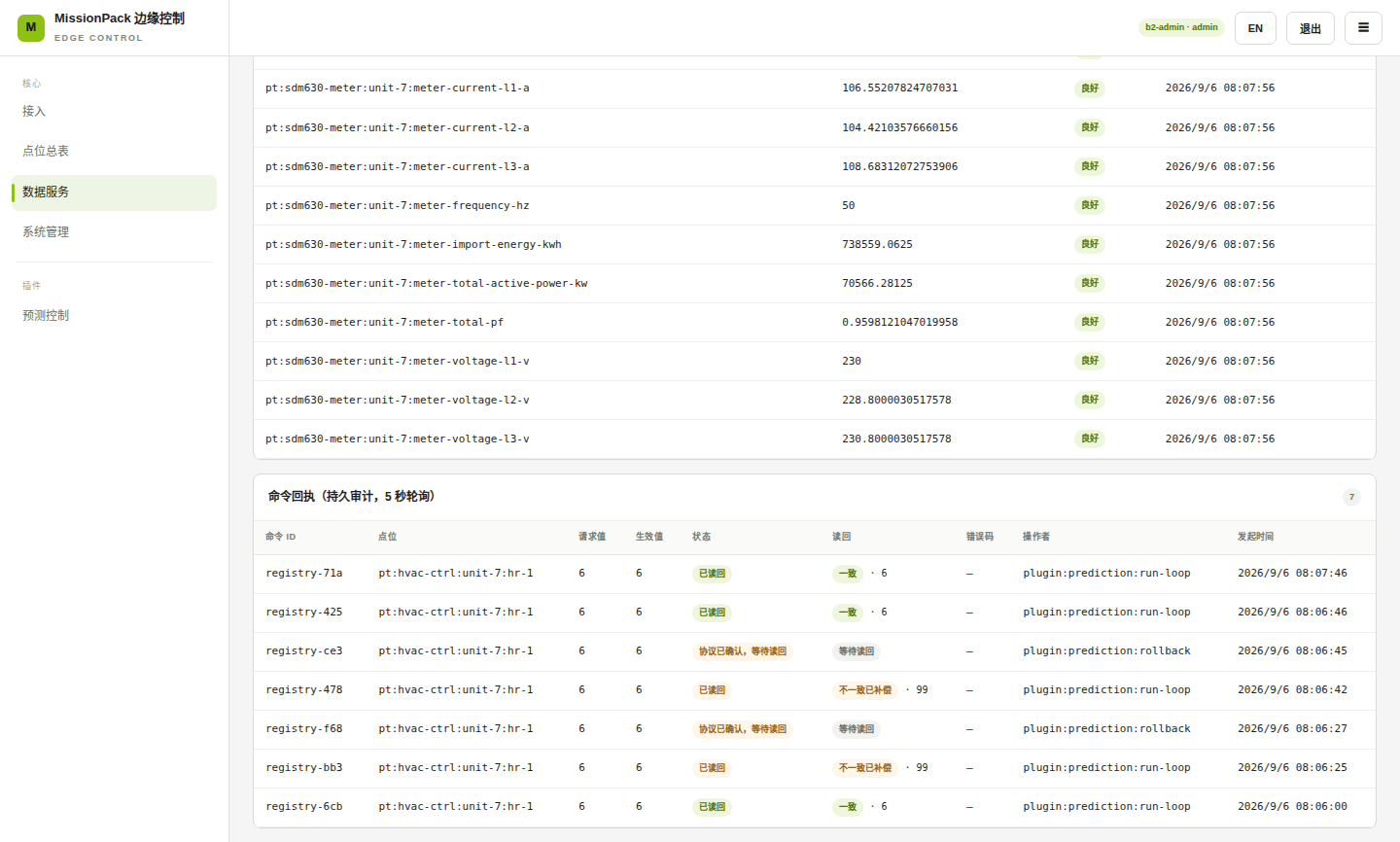
HVAC Automation Control - 1
HVAC Automation Control - 2
HVAC Automation Control - 3
HVAC Automation Control - 4

HVAC Automation Control

Intelligently adjust air conditioning based on occupancy and environment, saving energy automatically

中級15min産業用 IoT
hvacknnopc-uaindustrialautomationrecomputer

What This Solution Does

HVAC systems in office buildings, shopping malls, and factories often run on fixed schedules - blasting cold air in empty rooms while struggling to keep busy areas comfortable. This solution makes your HVAC system "smart" by automatically adjusting temperature based on occupancy and environmental conditions, running efficiently when needed and saving energy when not.

Key Benefits

BenefitDetails
Automatic Energy SavingsIntelligently adjusts based on real-time occupancy and outdoor temperature, typically saving 15-25% on electricity
No Manual MonitoringSystem runs 24/7 automatically, no need for someone to constantly adjust parameters
Quick SetupUpload historical data and the system learns on its own - no HVAC expertise required
Safe & Controlled"Observe first" mode lets you verify suggestions before enabling automatic control

Use Cases

ScenarioHow It Helps
Office BuildingsCools more during busy work hours, automatically saves energy after hours; switches to eco-mode on weekends
Shopping MallsAdjusts cooling per floor based on foot traffic - less cooling where its quiet, more where its crowded
Factory FloorsSyncs with production schedules, reducing HVAC power during off-shifts
Hotel LobbiesDynamically adjusts based on occupancy rates and outdoor temperature for comfort and efficiency

Requirements

Hardware:

  • reComputer R1100 edge computing device
  • HVAC controller must support industrial communication protocol (OPC-UA)

Data:

  • At least 1 week of historical operation data (Excel or CSV format)
  • Data should include: timestamp, temperature setpoints, actual temperature, power consumption

Limitations:

  • Initial setup requires uploading data for the system to learn (takes about 5-10 minutes)
  • Recommended to observe system suggestions for 1-2 days before enabling automatic control
  • This solution is designed for central HVAC systems, not split-unit air conditioners

ご利用要件

modbus

Temperature, humidity sensors via Modbus TCP/RTU

デプロイ構成

edge_device

ダウンロードとインストール

HVAC energy optimization system using KNN prediction model with OPC-UA integration.

Prerequisites

  • Docker installed and running (version 20.0+)
  • Network connectivity to pull container images
  • Available ports: 8280 (Web UI), 4841 (OPC-UA Simulator)

Preset: Standard Deployment {#default}

Deploy a KNN-based HVAC optimization system that learns from your historical data to suggest optimal settings.

DevicePurpose
reComputer R1100Edge computing device with Docker support

What you'll get:

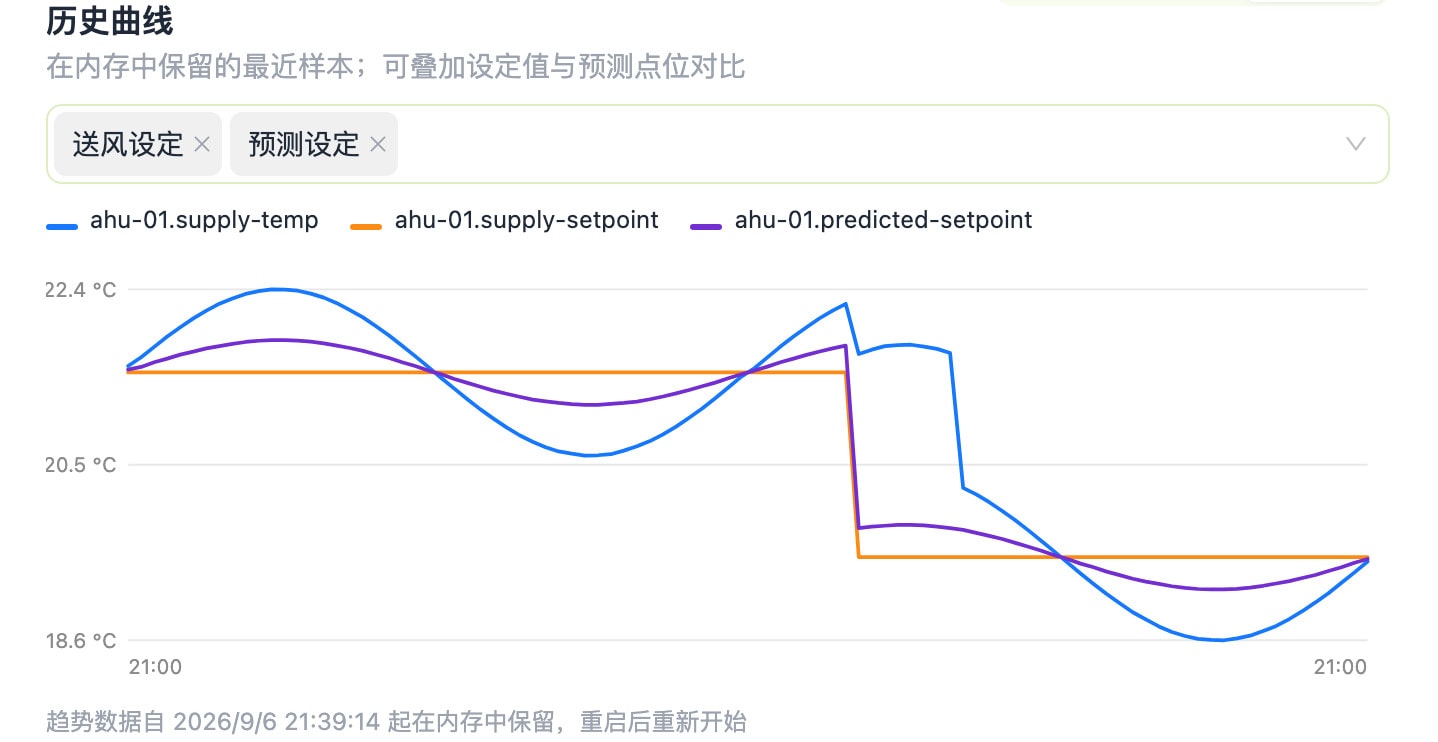
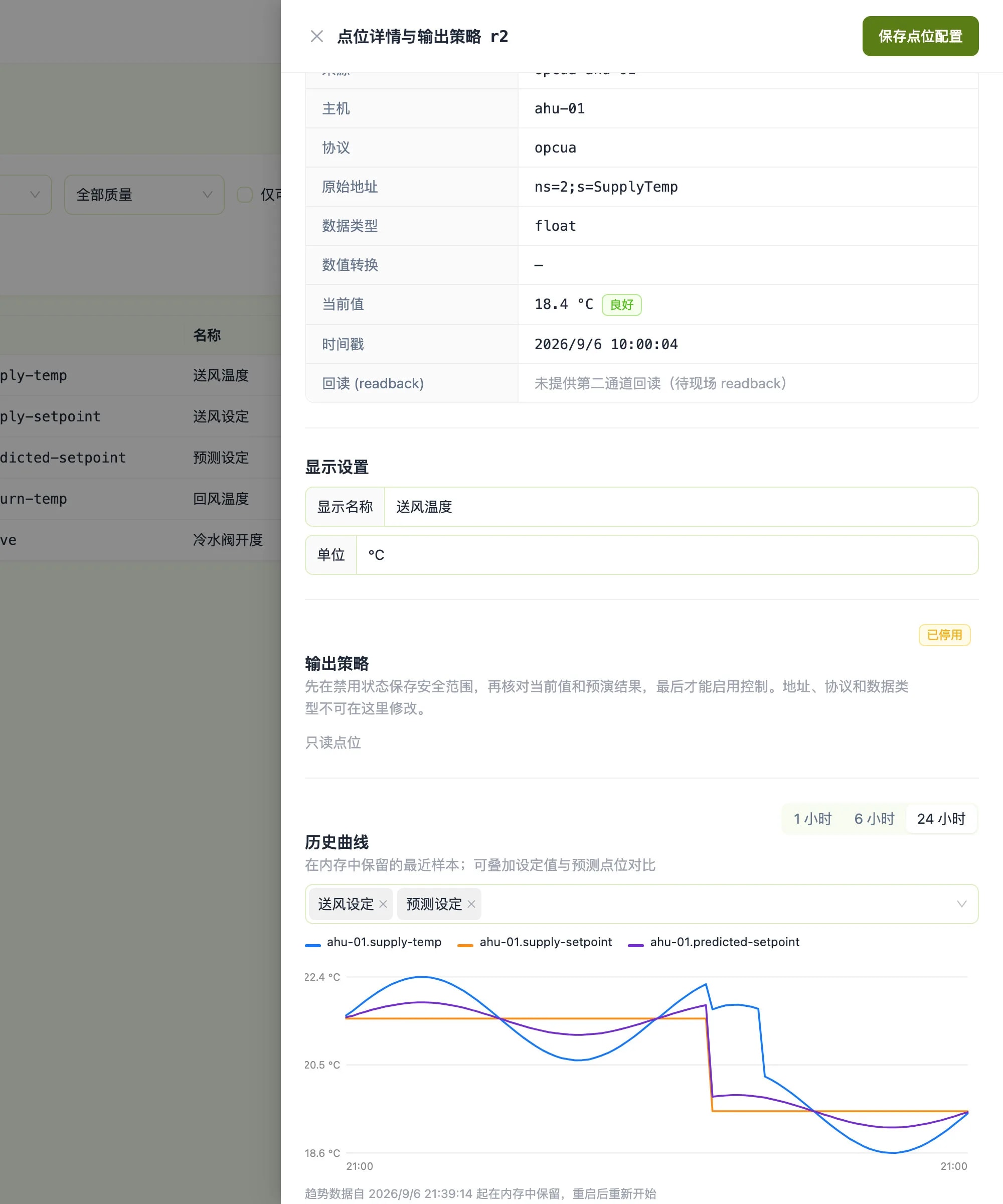
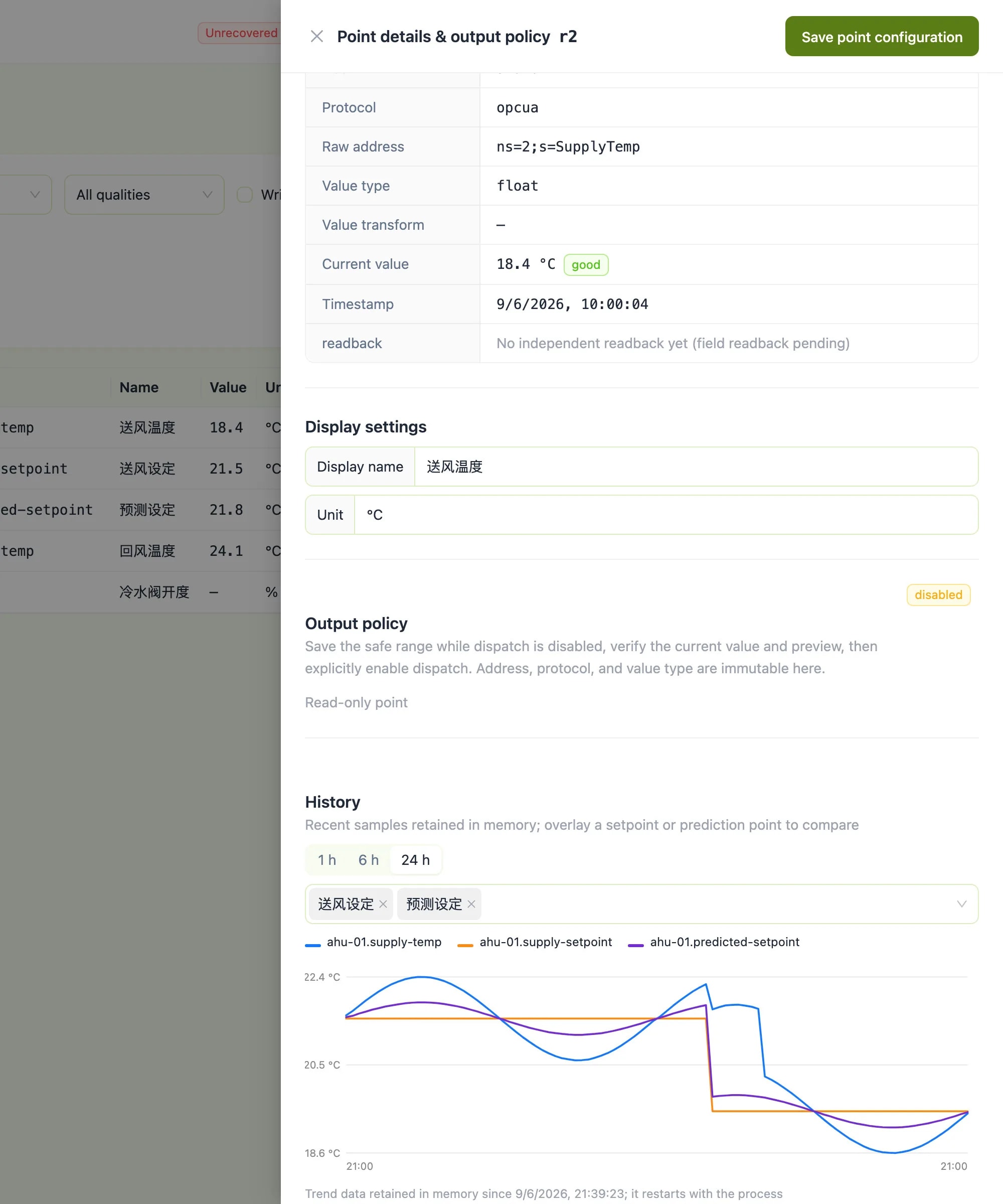
  • AI-powered temperature recommendations based on historical patterns
  • OPC-UA integration for industrial HVAC systems
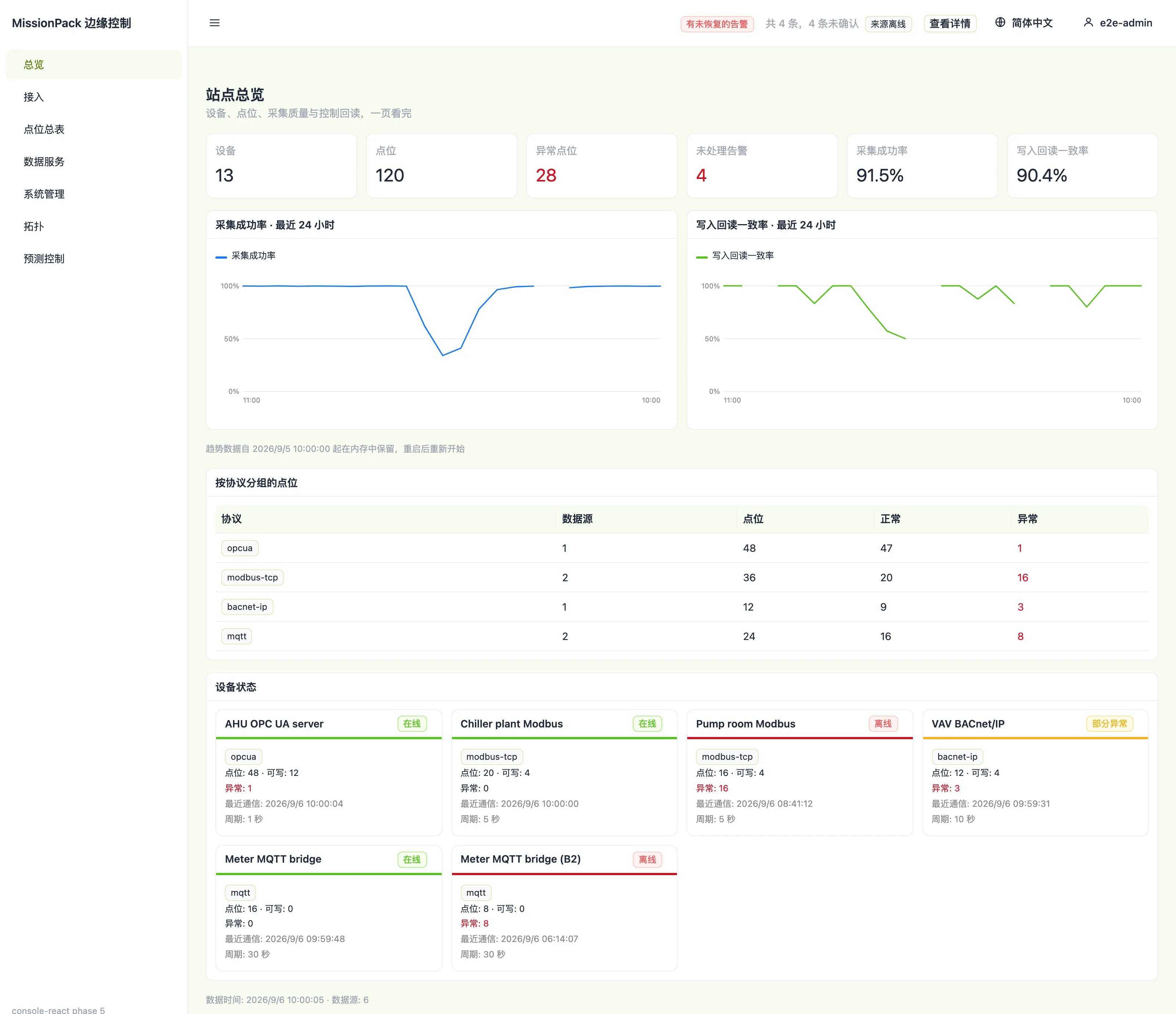
  • Web dashboard for monitoring and control

Requirements: Docker installed · OPC-UA controller (or use built-in simulator)

Step 1: HVAC Control System {#hvac type=docker_deploy required=true config=devices/local.yaml}

Deploy a smart temperature optimization service that learns from your building data.

Target: Local Deployment {#hvac_local type=local config=devices/local.yaml default=true}

Click the "Deploy" button below to automatically start the HVAC control service on this machine.

Wiring

Wiring

  1. Ensure Docker is installed and running
  2. Click deploy to start the container
  3. Access the web interface at localhost:8280

Troubleshooting

IssueSolution
Docker not runningStart Docker Desktop application
Port 8280 in useClose the program using that port, or modify config to use another port
Container stops after startingRun docker logs missionpack_knn to check error logs
Web page not loadingWait 30 seconds for the service to fully start

Target: Remote Deployment {#hvac_remote type=remote config=devices/remote.yaml}

Click the "Deploy" button below to automatically deploy the HVAC control service to the remote device.

Wiring

Wiring

  1. Connect to remote device via SSH
  2. Deploy Docker container remotely
  3. Access the web interface at device IP:8280

Troubleshooting

IssueSolution
SSH connection failedCheck IP address and credentials
Remote device has no DockerInstall Docker on the remote device first
Deployment timeoutCheck remote device network, ensure it can access image registry
Web page not loadingCheck if firewall allows port 8280

Deployment Complete

HVAC control system is ready!

Access

http://<server-ip>:8280

Next Steps

  1. Connect to OPC-UA server (or use built-in simulator)
  2. Upload training data
  3. Configure parameters

Useful Commands

docker logs missionpack_knn to view logs

お問い合わせ
ハードウェアパートナーとしてうれしいです!
これまで当社製品を使用したことがありますか?
HVAC Automation Control